
Reset your password: overview
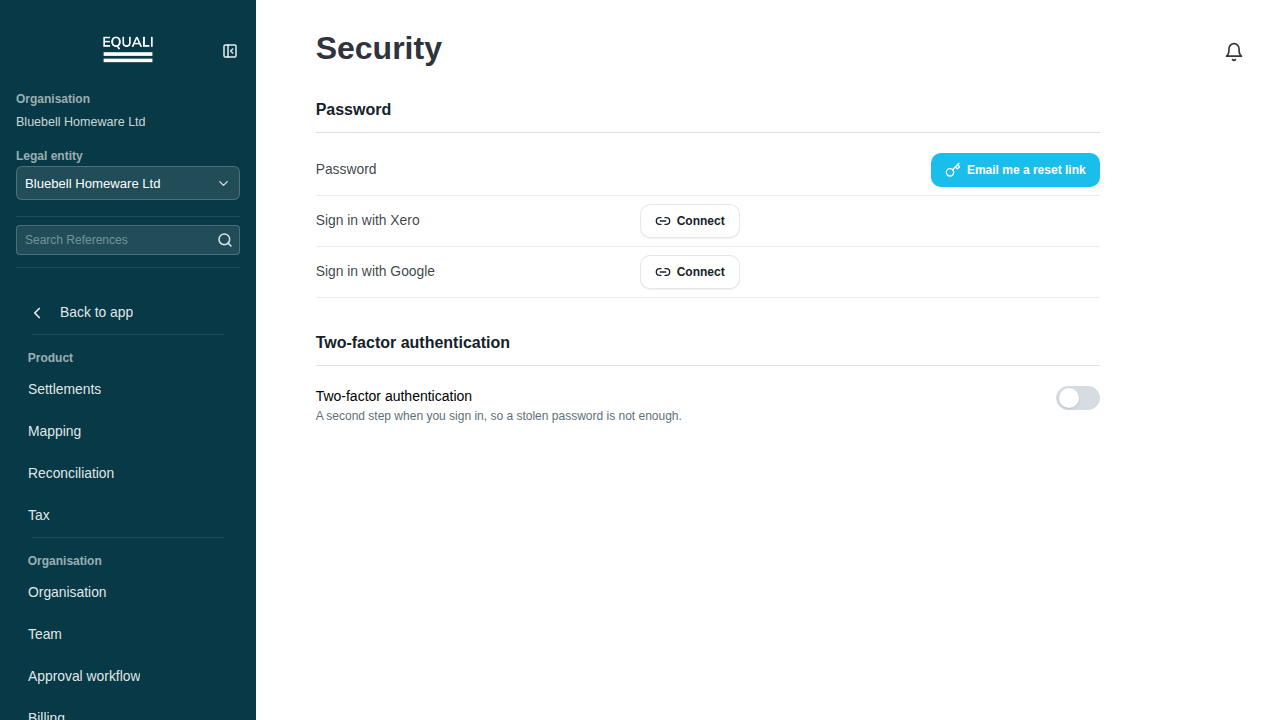
You can reset your password by requesting a reset link sent to your email. This option isn't shown if your sign-in is managed by Xero instead.
Steps
- Go to Settings, then Security.
- Select Email me a reset link.
Screenshots
Important exceptions
- Hidden if your sign-in is managed by a provider (Xero SSO).
If you cannot sign in
Open the password recovery page, enter the email address you use for Equali, and follow the instructions in the reset email. If you sign in through a provider such as Xero, use that provider’s account-recovery process.