
Choose your Amazon marketplace: overview
You can check whether the Amazon connection covers the marketplaces your business uses. Your legal entity's country must stay accurate; changing it is not a substitute for verifying connection coverage.
Steps
- Go to Connections.
- Confirm you see Amazon card.
- Confirm you see Amazon's auth mechanism.
Screenshots
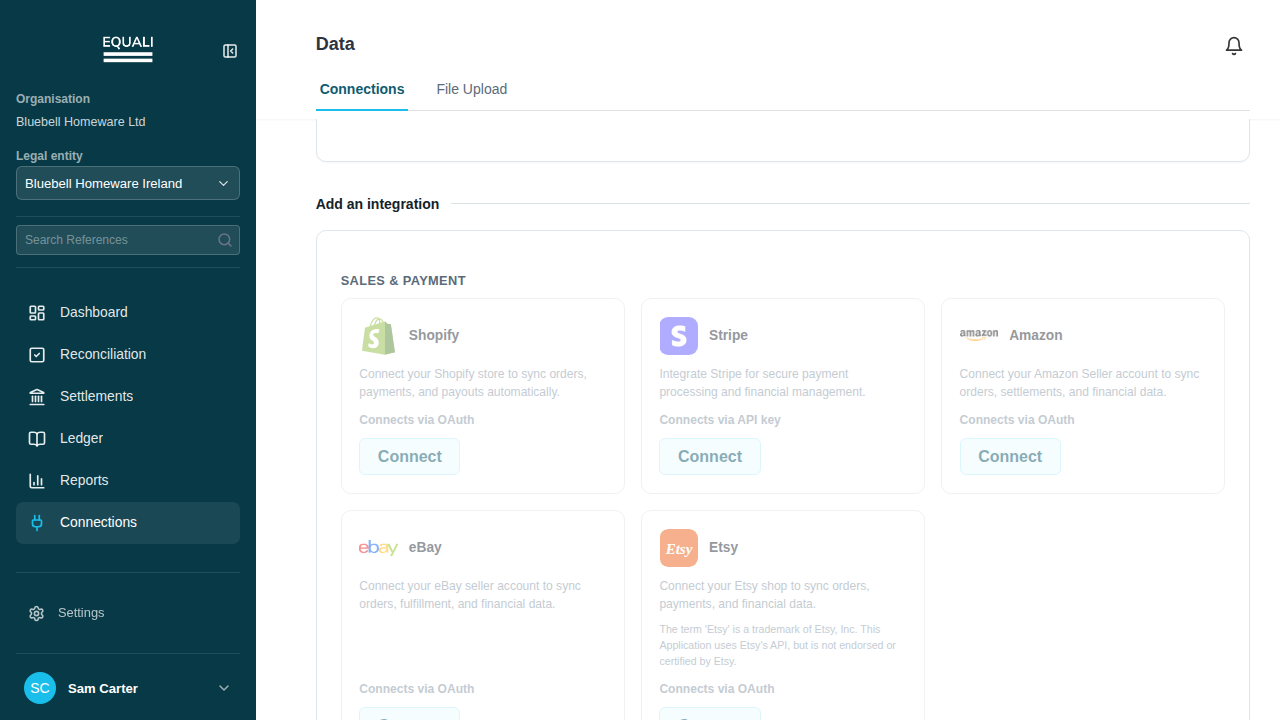
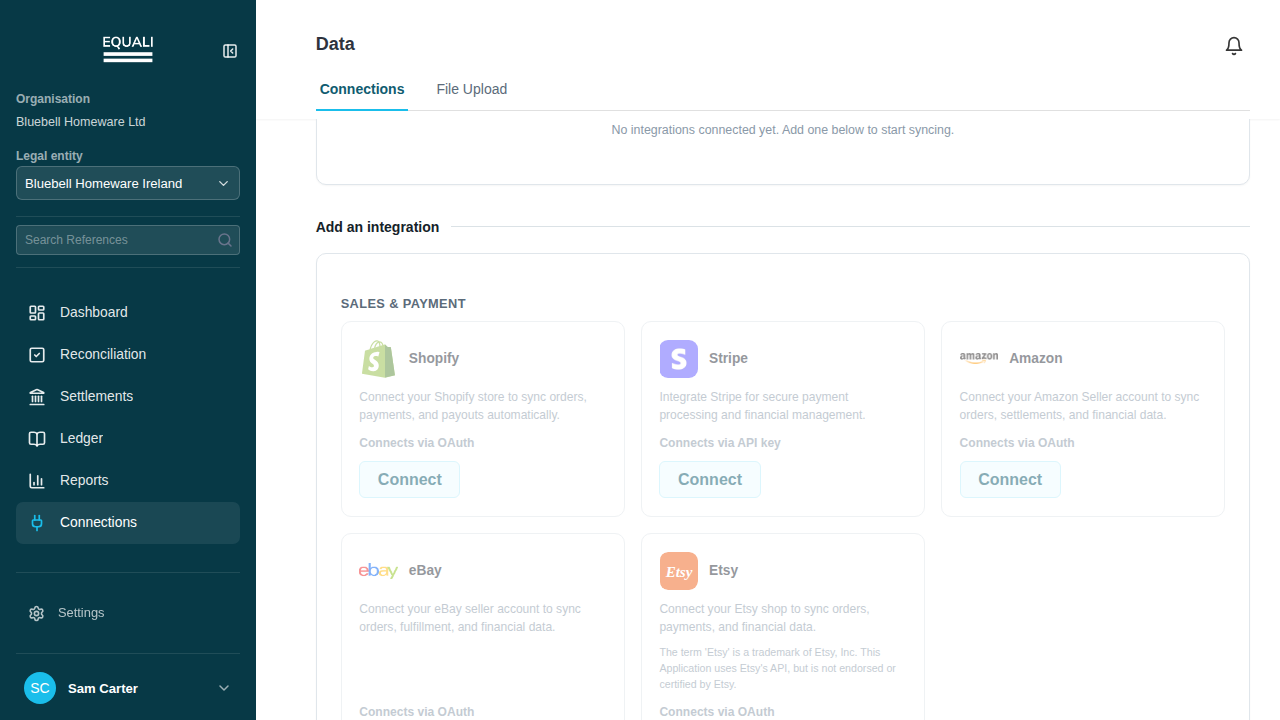
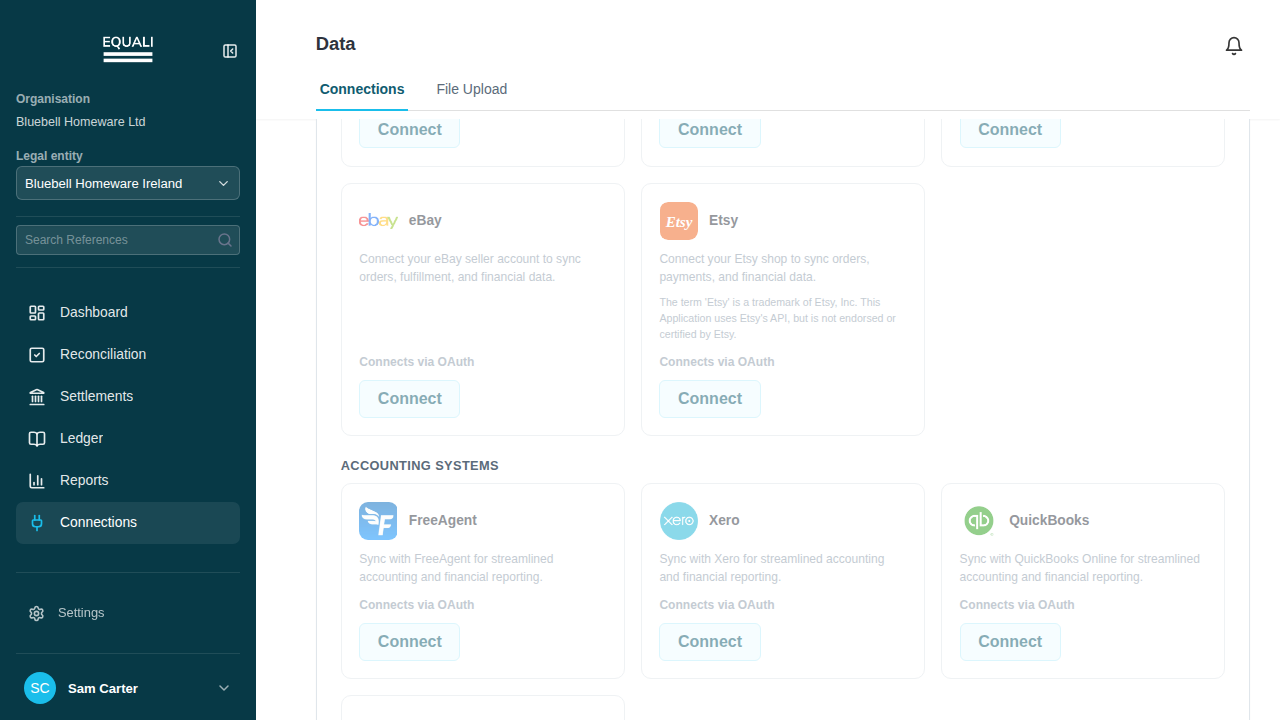
An Amazon seller account can operate in multiple marketplaces. Ensure your legal entity's country remains accurate, as it is not a setting for marketplace selection.
When you need to verify or update your Amazon connection, open Connections and check the Amazon card. If a new authorisation is required, follow the Connect Amazon guide. Make sure you are using the correct seller account and review any region information Amazon provides.
If you notice missing marketplaces or records, gather the marketplace details, seller-account reference, and affected import period. Contact support for assistance. Do not change the legal entity's country or reconnect a working account as a workaround for marketplace configuration issues.
The presence of some Amazon records does not guarantee that all marketplaces or historical periods have been imported. Always review the source evidence and import coverage before considering a period complete.