
Connect an Amazon store: overview
You can link the intended Amazon account to the active legal entity using the method shown on its connection card. The resulting connection status and marketplace coverage need review, keeping the entity's country accurate.
Steps
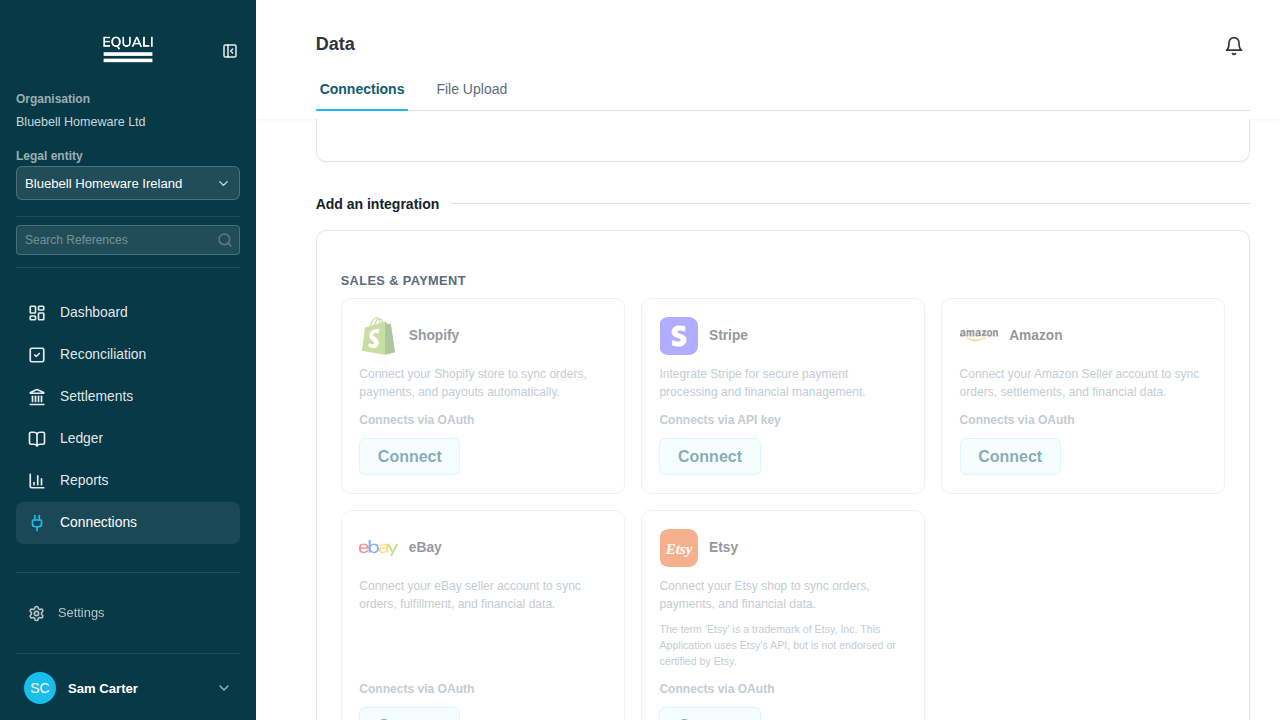
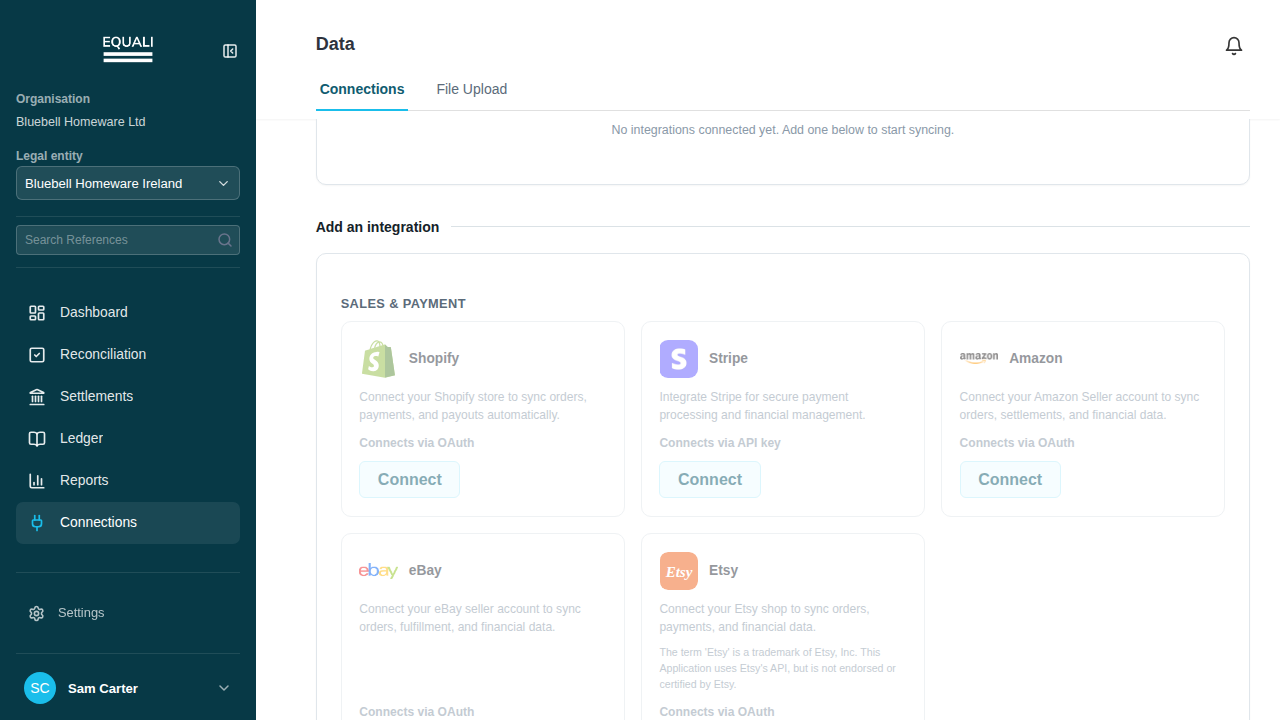
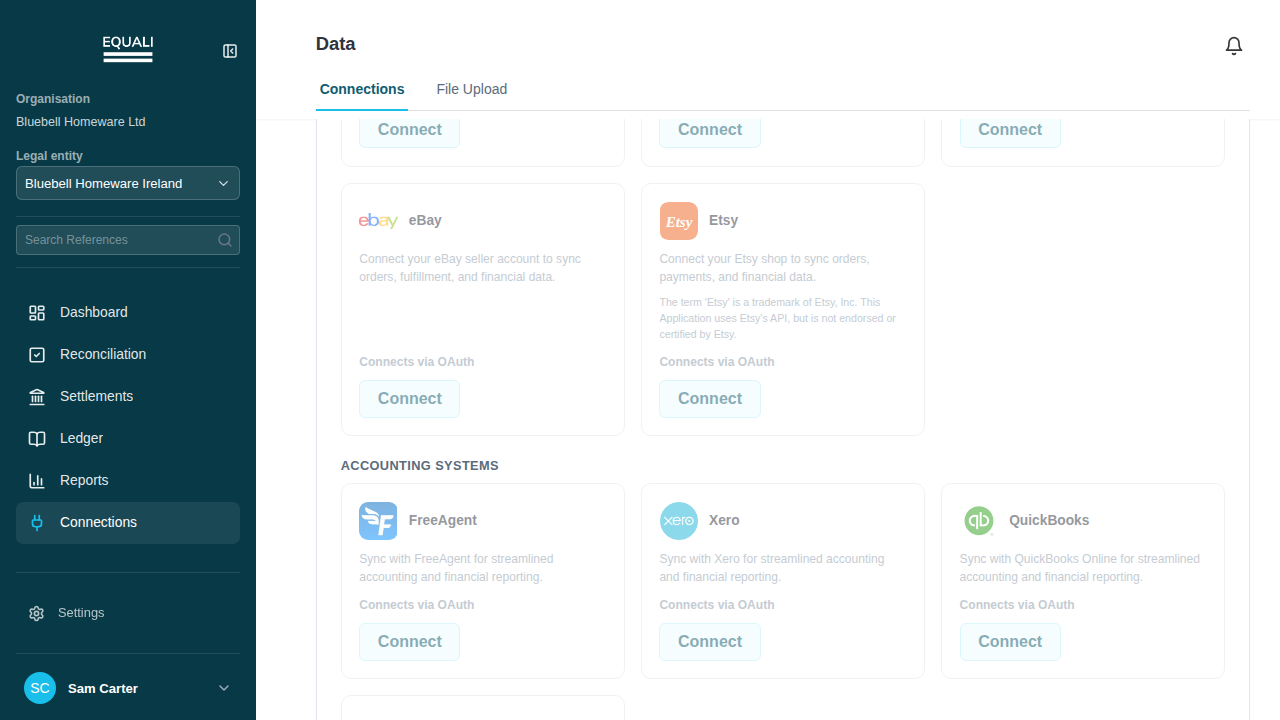
- Go to Connections.
- Select the Amazon card.
- Follow the Amazon sign-in steps shown on the card.
Screenshots
Important exceptions
- Connection and marketplace coverage must be checked for the intended Amazon account; changing legal-entity country is not a substitute.