
Connect to Xero: overview
Connecting Xero lets Equali post to it as your accounting system. You can only connect one accounting system per legal entity, so this becomes that entity's accounting connection.
Steps
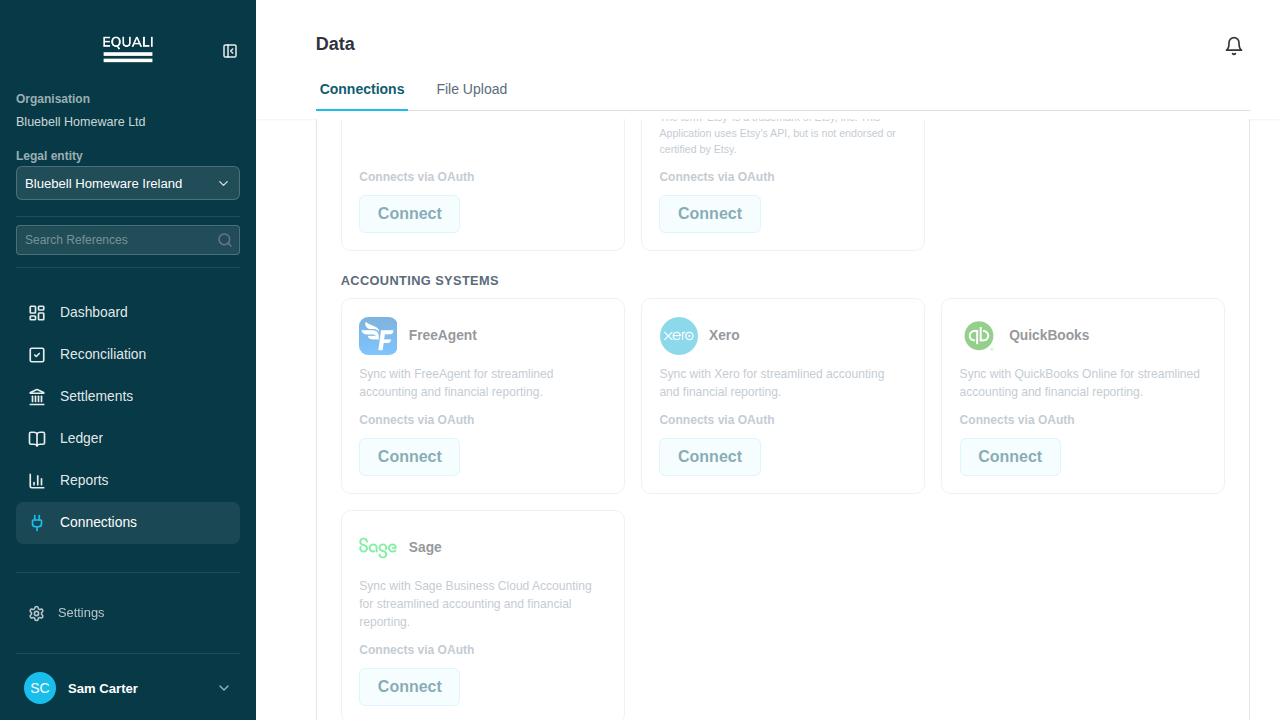
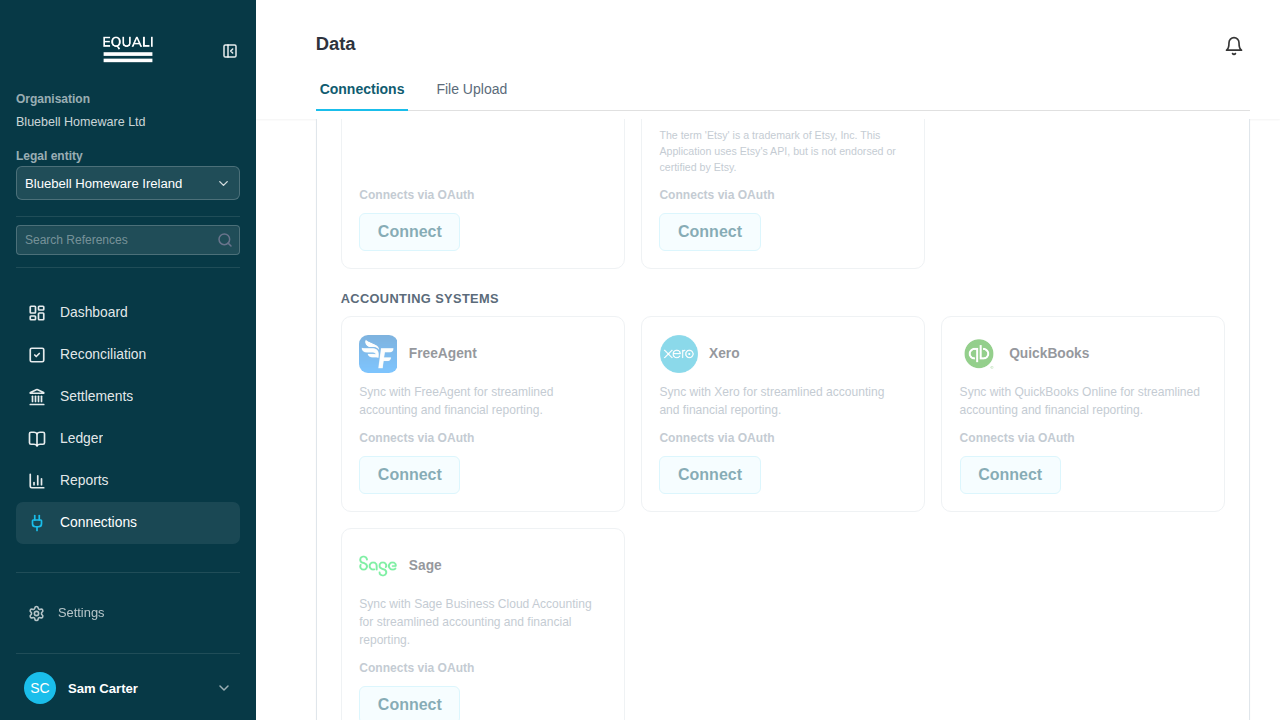
- Go to Connections.
- Select the Xero card.
- Follow the Xero sign-in steps shown on the card.
Screenshots
Important exceptions
- Only one accounting system per entity.