
Connect FreeAgent: overview
Connecting FreeAgent lets you post settlements to it as bank transactions. You can only connect one accounting system per legal entity, so this becomes that entity's accounting connection.
Steps
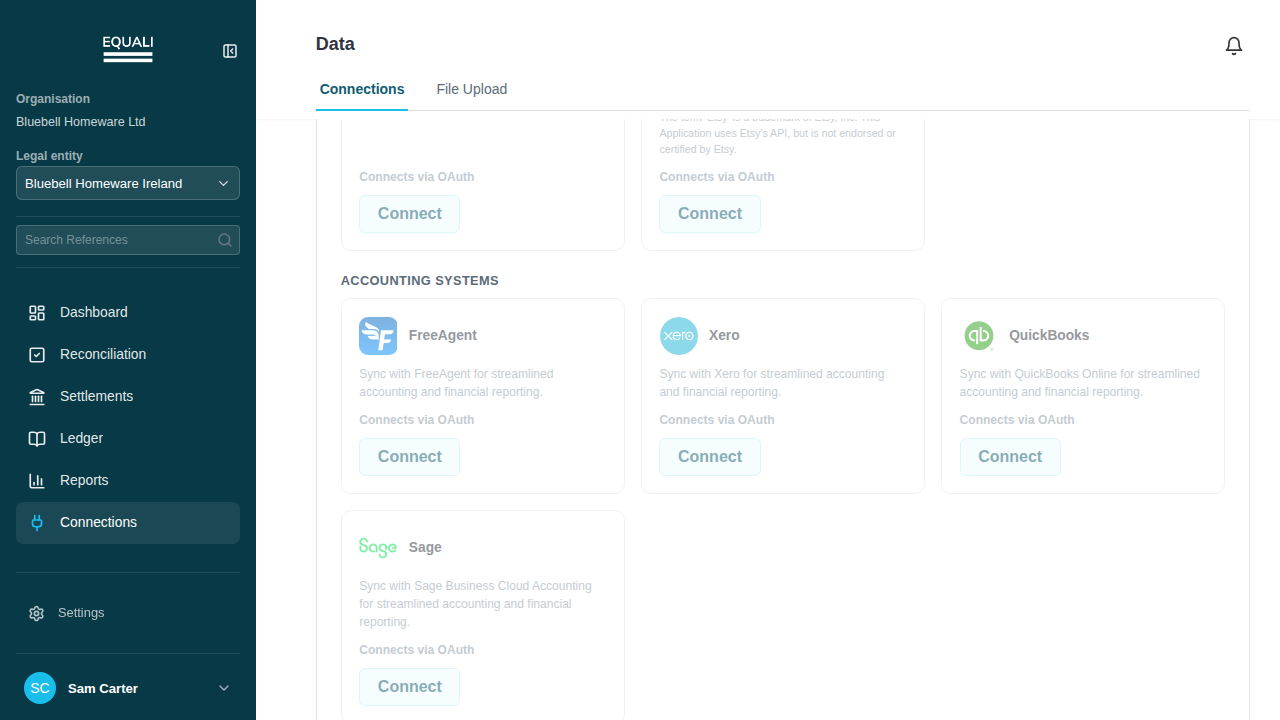
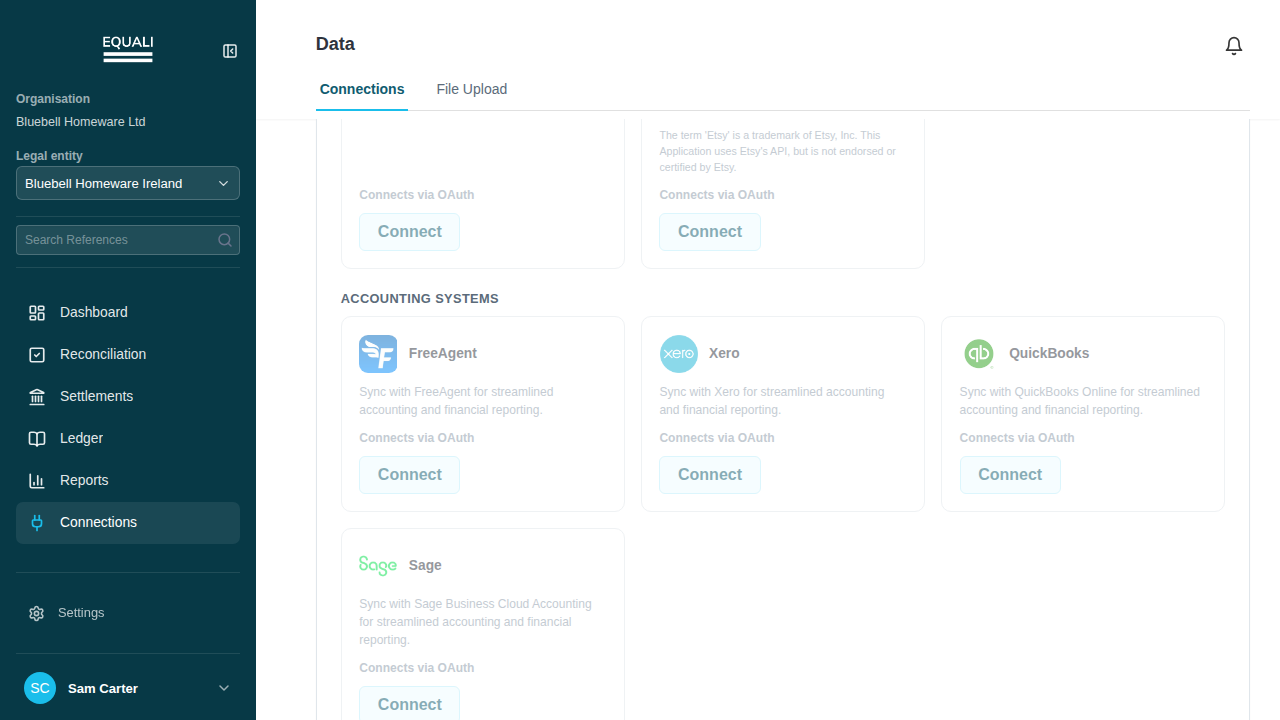
- Go to Connections.
- Select the FreeAgent card.
- Follow the FreeAgent sign-in steps shown on the card.
Screenshots
Important exceptions
- One accounting system per entity.
Check the business before connecting
Before connecting, check that you are working in the legal entity whose accounts you want to update, and sign in to the matching FreeAgent business. If you are unsure which accounting connection is already in use, ask your team before proceeding.